Appearance
Agent-Specific Tickets (My Tickets)
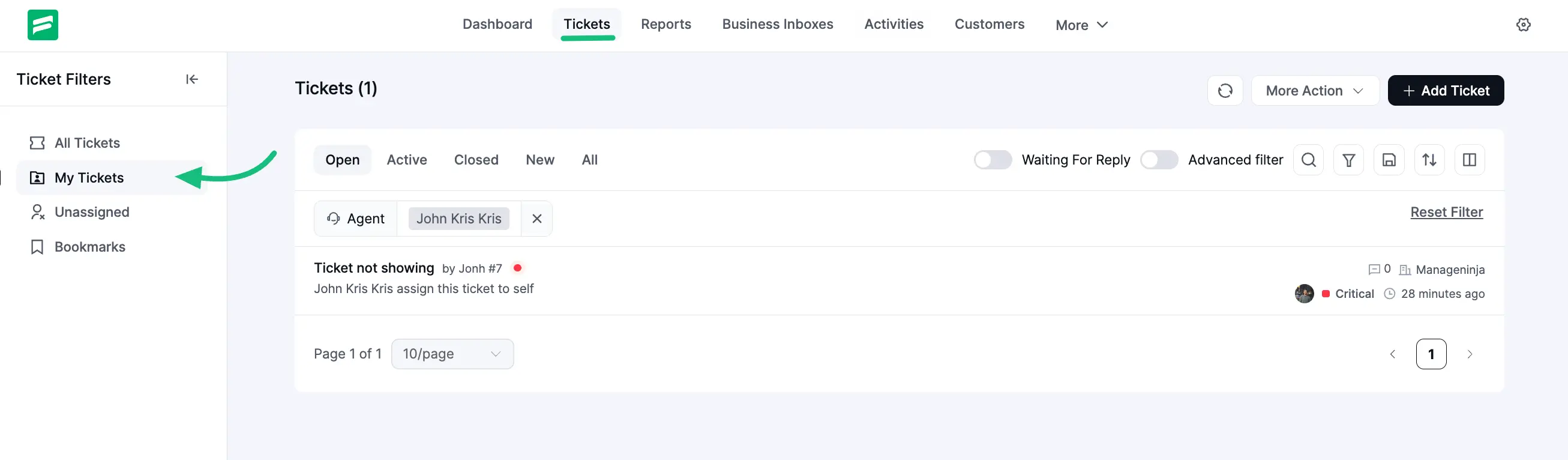
Fluent Support provides a helpful feature called My Tickets where you can easily view and filter tickets assigned specifically to you as an agent. This article will guide you through the functions of the My Tickets feature.
Agent Specific Tickets (My Tickets)
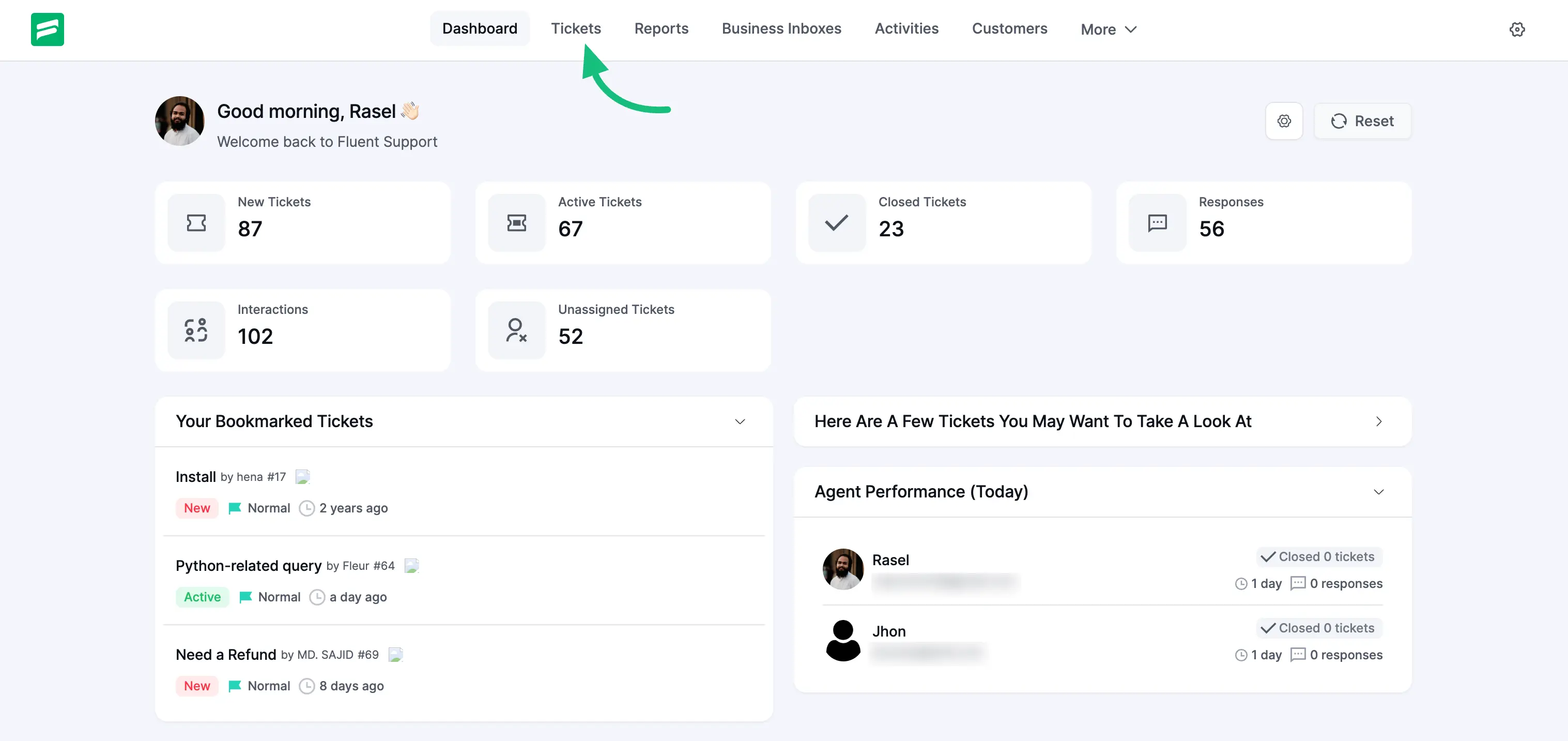
Go to your Fluent Support Dashboard & click on Tickets.
Now, click on My Tickets and you will see a list of tickets that are assigned only for you.
You can also Filter, Sort, and Search all your tickets if needed. My Tickets work the same as All Tickets. To learn more about how this works, read this Documentation.